Description
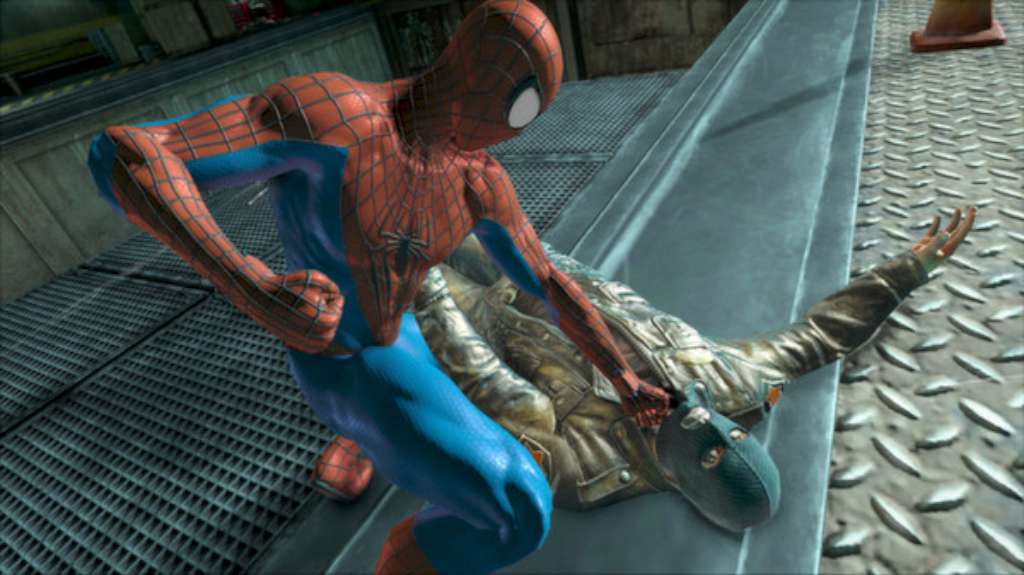
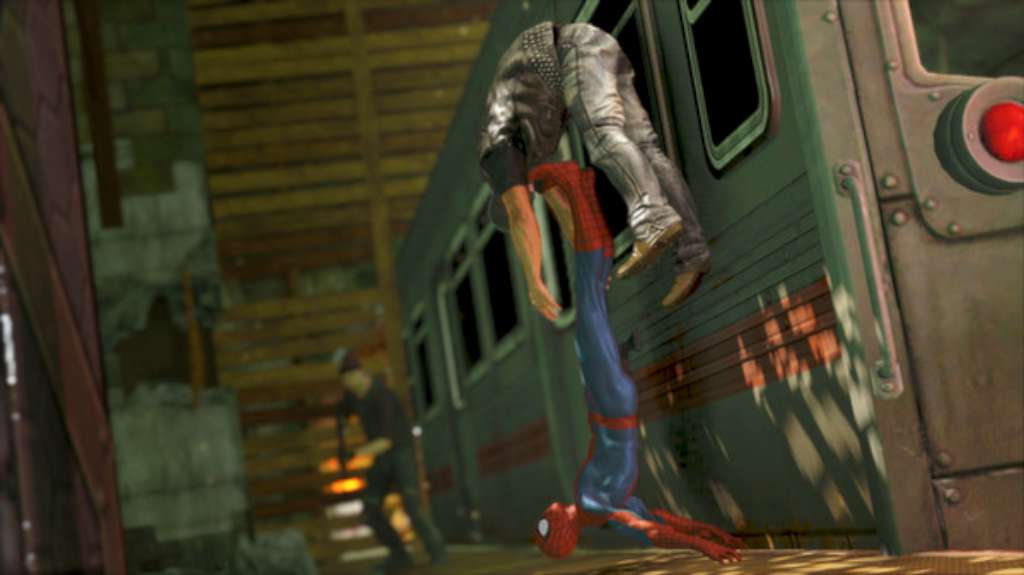
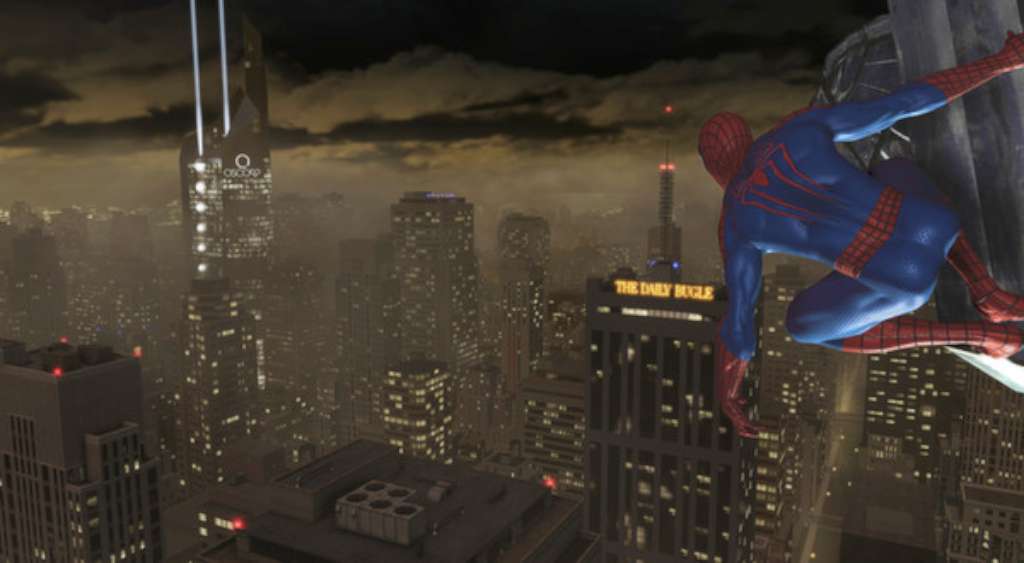
Set a few months after the events of the film, Peter Parker and Gwen Stacy sneak into the restricted areas of Oscorp after hours, where Gwen reveals her suspicions that they may be continuing the cross-species experiments of Dr. Curt Connors, who had become the monstrous Lizard. They are caught by Alistair Smythe, the new Oscorp director, who confirms Gwen’s suspicions, although the cross-species carry a powerful virus and are to be disposed. However, the cross-species all react to the presence of Peter, a cross-species himself, and break out, infecting all of the scientists, including Smythe and Gwen, in the process. Smythe unleashes his security robots, which are programmed to defend them from cross-species. Peter quickly dons his Spider-Man suit and gets the infected to quarantine, fighting off the robots and destroying the S-01 in the process, but is unable to stop the cross-species and the virus from escaping into the city.
This is the Russian version of the game.Buy this product only if you understand the risk and at your own responsibility! Russian IP address is required to activate the key on Steam!Use a Russian VPN to do so. (Quick & Easy Instructions here) If you experience any issues redeeming the key, follow these instructions: Open your Steam client, and log in to your account, in the Steam settings, choose Account tab, then Manage Steam Guard Account Security and deauthorize all other devices, close Steam client, and then start your VPN app, open Steam client and login to your account. In your account details, update your store country to match your VPN location, redeem the key in Steam.









Reviews
There are no reviews yet.