Description
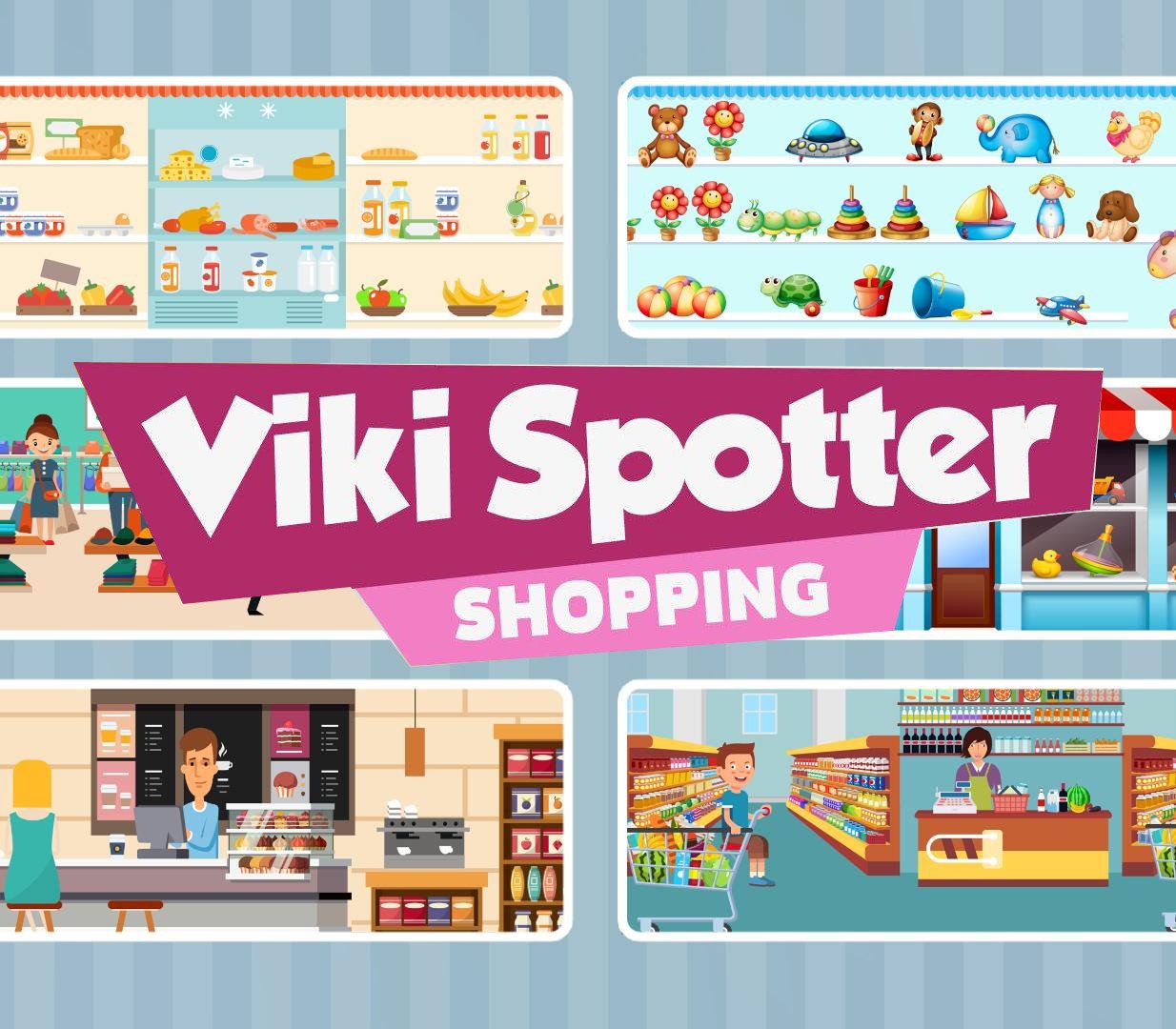
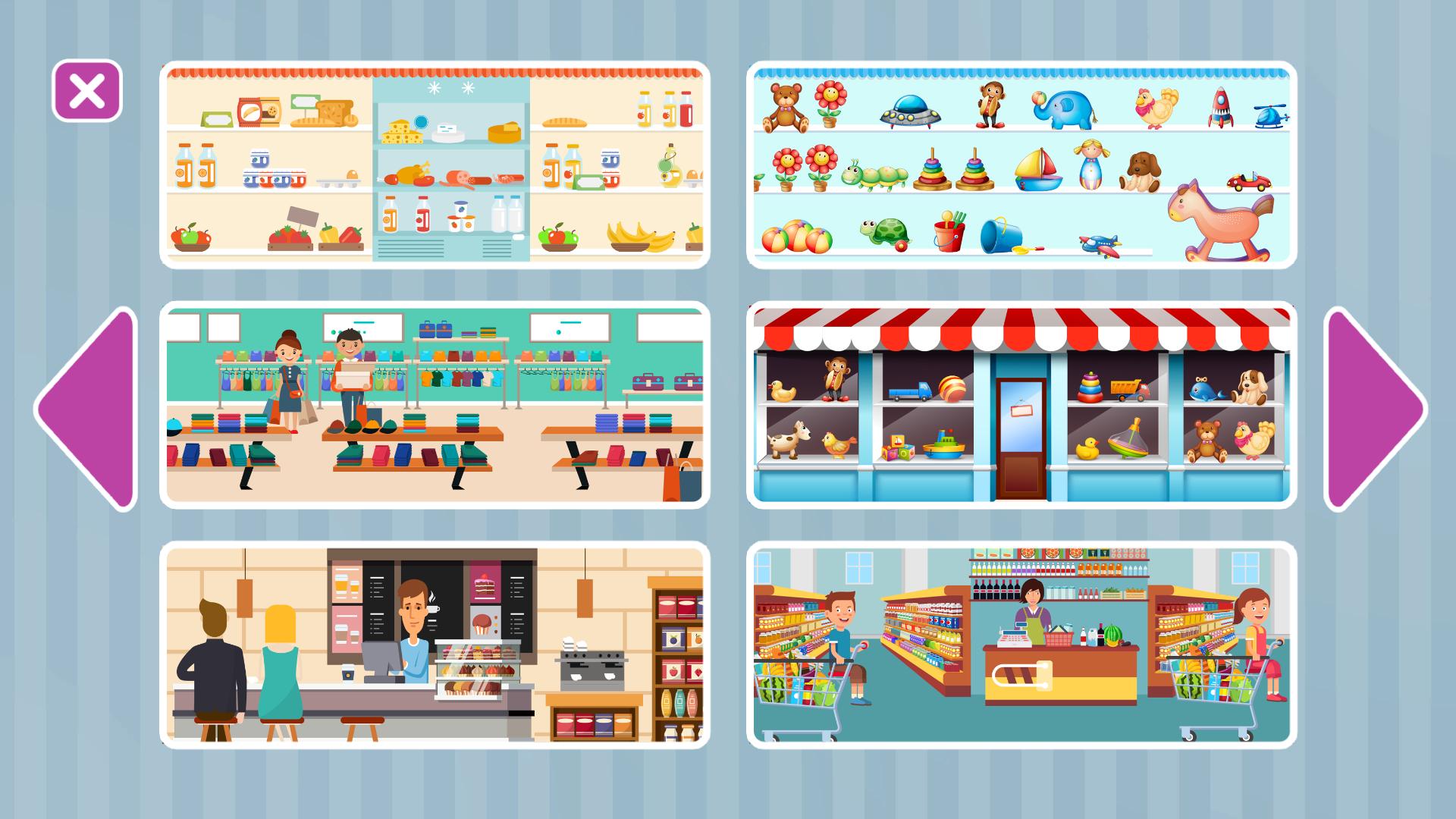
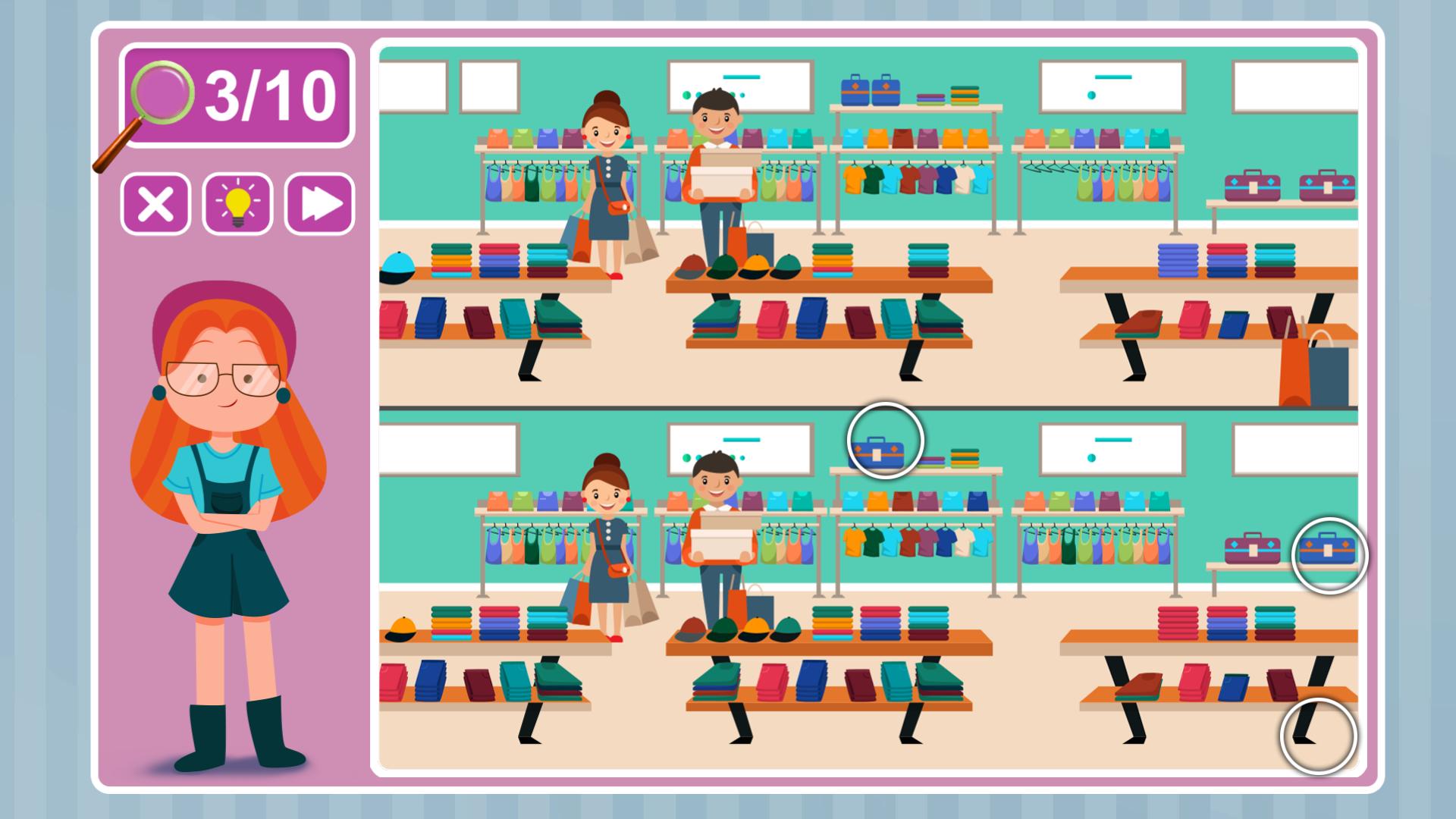
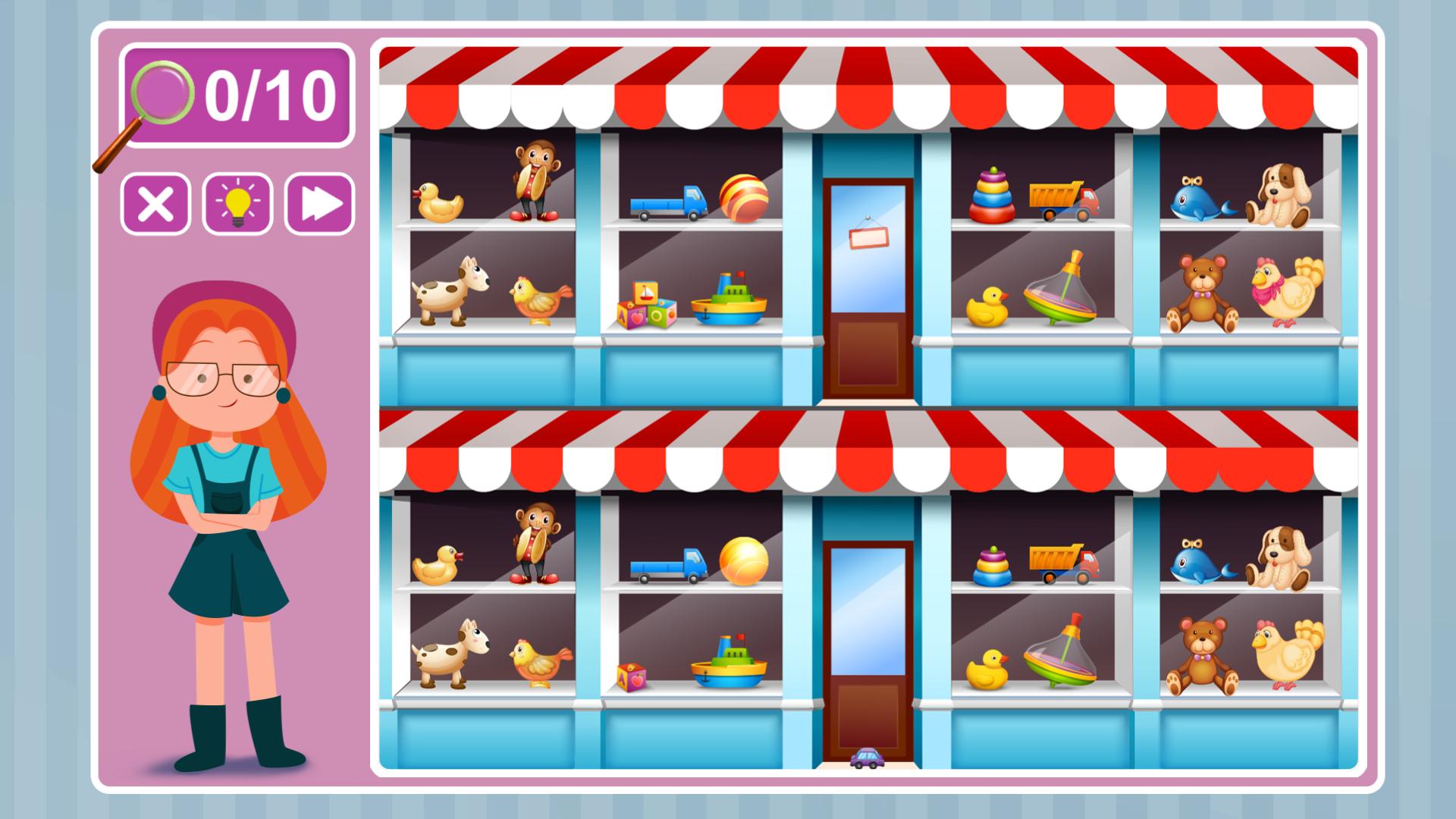
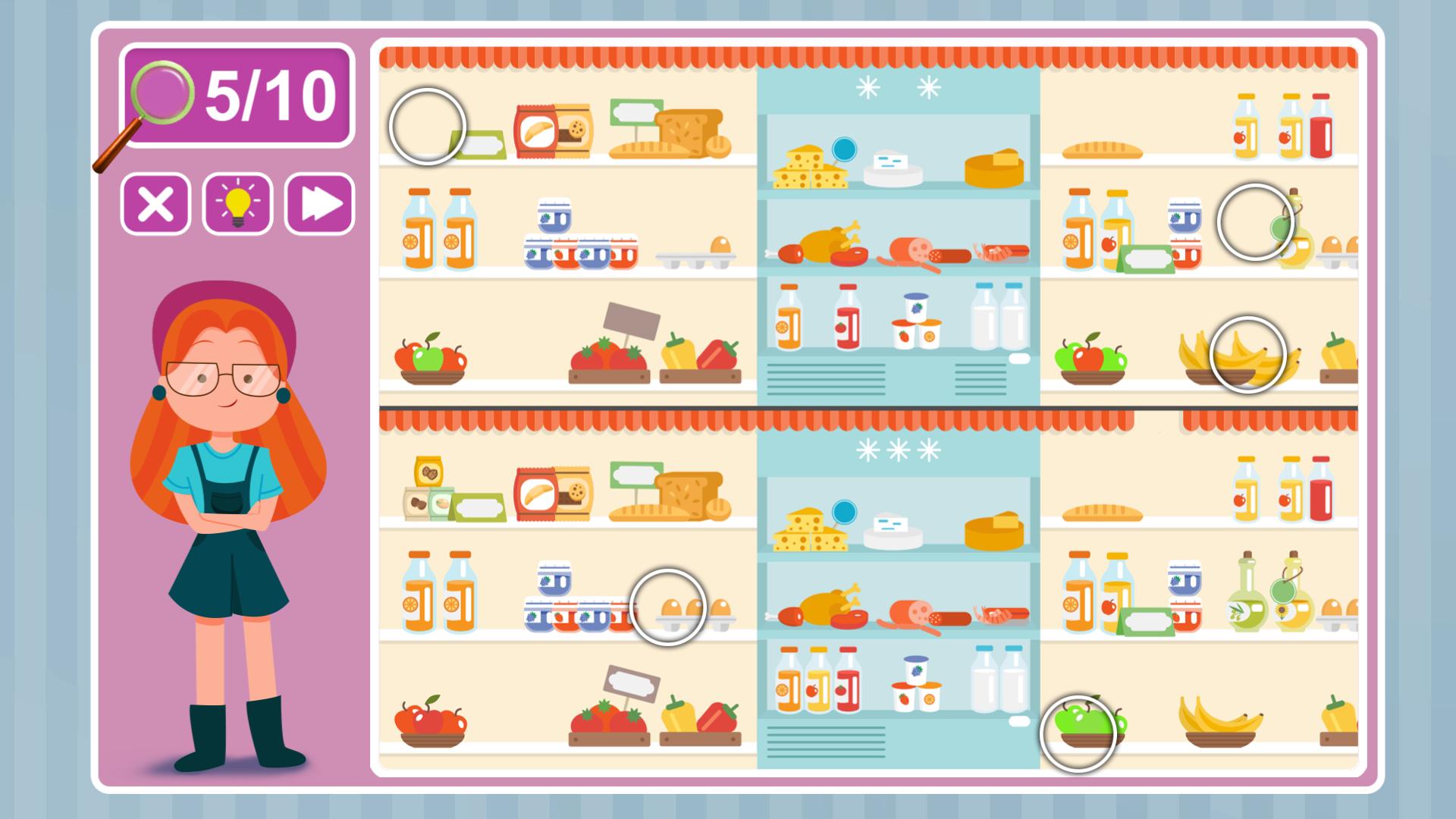
Treat yourself and your loved ones a wonderful game about a little girl Viki Spotter, who is trying to find inconsistencies in the world around her. Sometimes it’s not easy, but it’s interesting – you need to help her. Be very careful and do not miss a single one. And if it seems too difficult, you can always use the hint.The theme of this game is shopping. And it’s revealed here in its entirety. Visit a variety of stores with Viki Spotter and find all the small differences that only you can. It’s fun, and you will spend a nice time in this engaging and educative game. You can browse through a wide variety of shops. The game requires care and observation and will be useful for both adults and children. In addition, it is very simple and does not require additional training. All you need to do is to find the differences and click on them!FeaturesA large number of different picturesEducational gameSimple and clearLots of Steam achievementsSuitable for Windows, Mac, and Linux
Go to: http://store.steampowered.com/ and download STEAM client Click "Install Steam" (from the upper right corner) Install and start application, login with your Account name and Password (create one if you don't have). Please follow these instructions to activate a new retail purchase on Steam: Launch Steam and log into your Steam account. Click the Games Menu. Choose Activate a Product on Steam... Follow the onscreen instructions to complete the process. After successful code verification go to the "LIBRARY" tab and start downloading.






Reviews
There are no reviews yet.